> ## Documentation Index
> Fetch the complete documentation index at: https://docs.membase.so/llms.txt
> Use this file to discover all available pages before exploring further.
# App Integrations
> Connect external applications and imports to Membase. Enrich Memory and Wiki with data from Gmail, Calendar, Slack, Notion, Obsidian, and more.
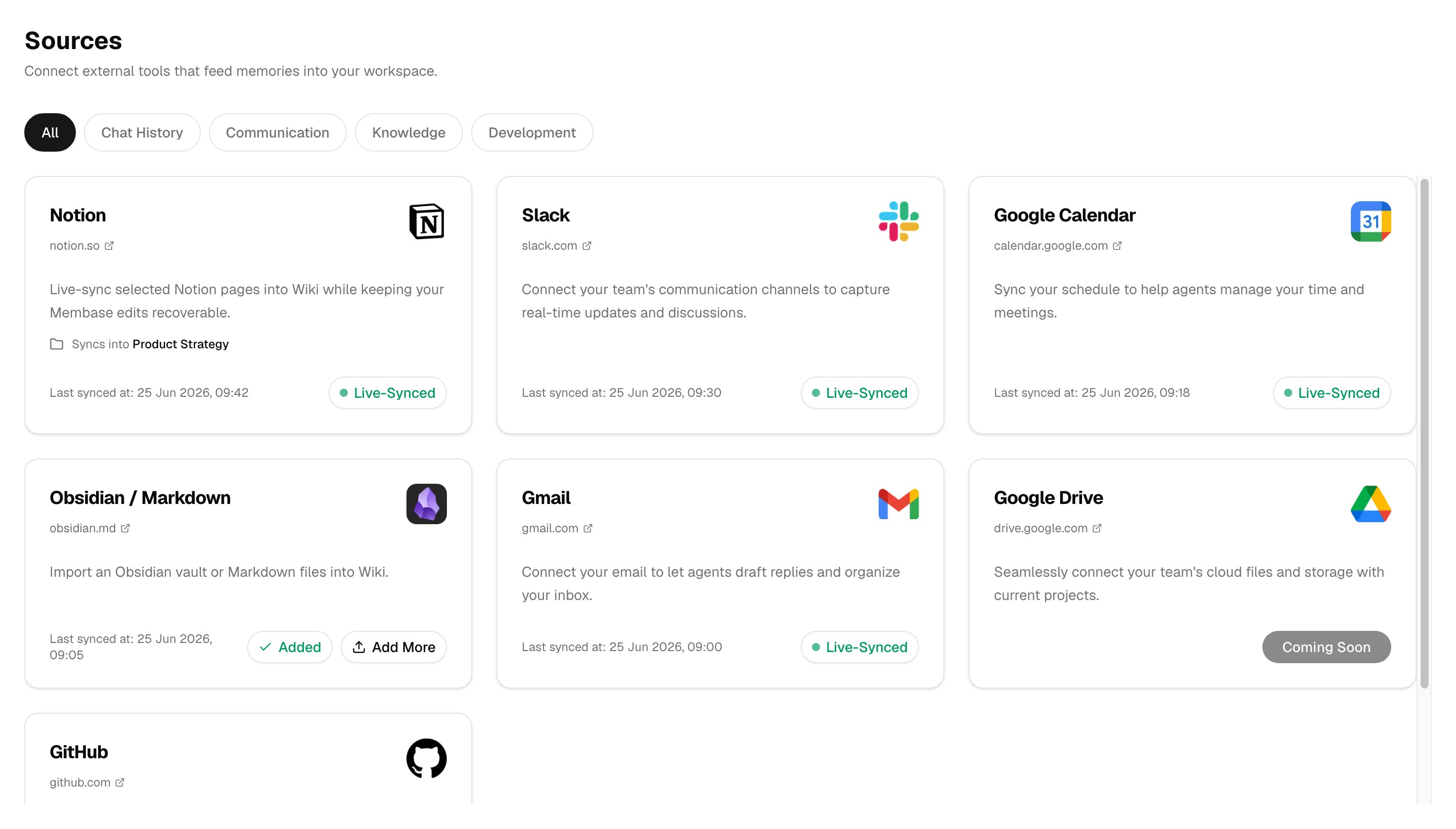
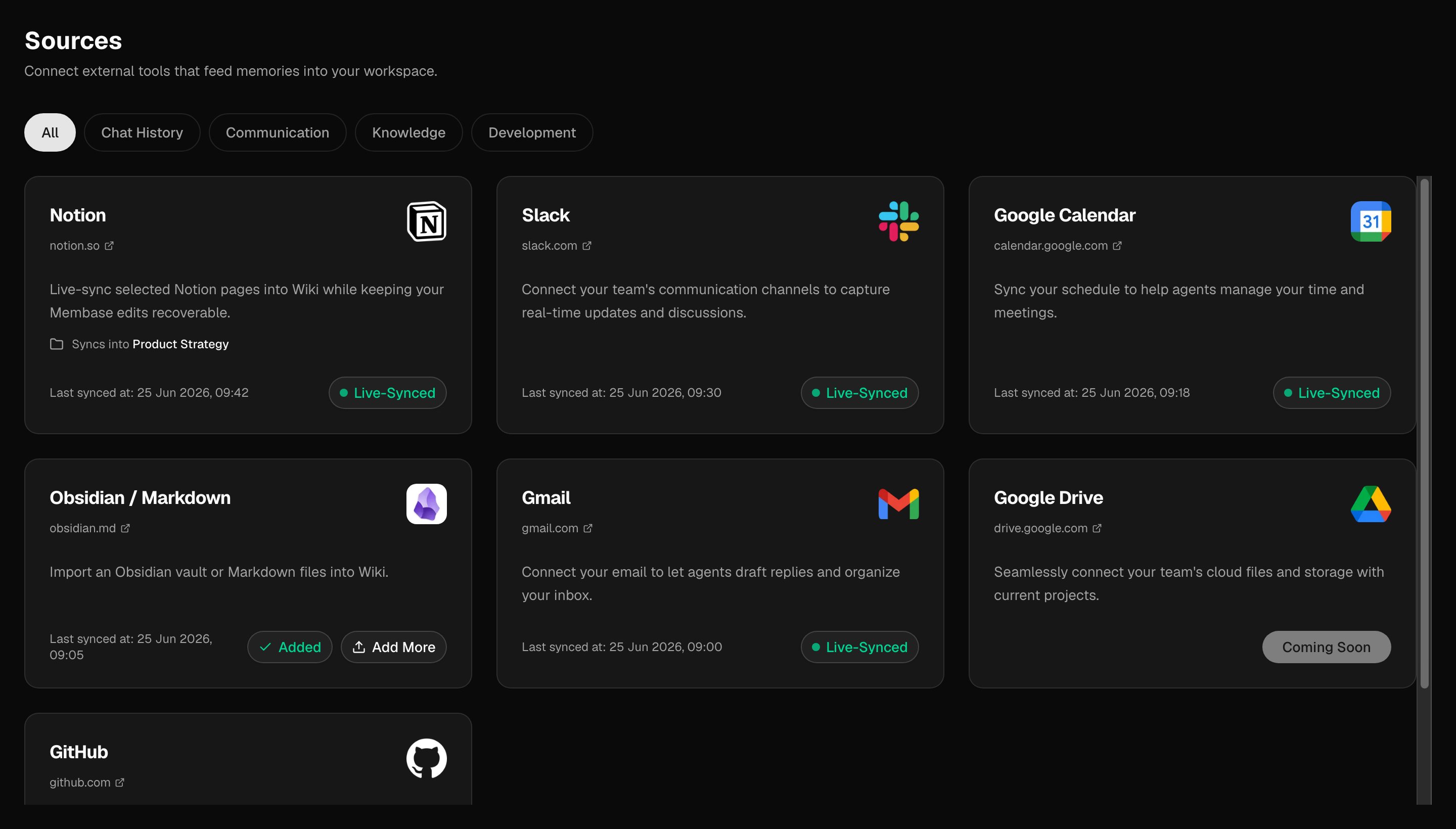
Membase app integrations feed external data into the right knowledge store for that source. Gmail, Google Calendar, and Slack build Memory; Notion live sync plus Notion export, Obsidian, and Markdown imports build Wiki. From [Sources](https://app.membase.so/sources), connect live integrations or start a one-time import.
 ## Why Use App Integrations?
| Feature | Direct API | Membase Integration |
| ----------------------------------------- | ---------- | ------------------- |
| Raw data access | Yes | Yes |
| Automatic structuring into Memory or Wiki | No | Yes |
| Cross-agent availability | No | Yes |
| Deduplication & structuring | No | Yes |
| Relationship mapping | No | Yes |
| Persistent across sessions | Manual | Automatic |
Membase integrations don't just pipe raw data. They **process, structure, and integrate** external data into Memory or Wiki, making it accessible to your dashboard and connected agents.
## Available Apps
} href="#notion-live-sync">
Live-sync selected Notion pages into Wiki while keeping source-backed changes reviewable.
} href="#slack">
Sync your Slack messages, threads, and channels. Membase generates readable summaries and keeps your workspace current with incremental updates.
} href="#google-calendar">
Sync your schedule to help agents manage your time and meetings.
## Why Use App Integrations?
| Feature | Direct API | Membase Integration |
| ----------------------------------------- | ---------- | ------------------- |
| Raw data access | Yes | Yes |
| Automatic structuring into Memory or Wiki | No | Yes |
| Cross-agent availability | No | Yes |
| Deduplication & structuring | No | Yes |
| Relationship mapping | No | Yes |
| Persistent across sessions | Manual | Automatic |
Membase integrations don't just pipe raw data. They **process, structure, and integrate** external data into Memory or Wiki, making it accessible to your dashboard and connected agents.
## Available Apps
} href="#notion-live-sync">
Live-sync selected Notion pages into Wiki while keeping source-backed changes reviewable.
} href="#slack">
Sync your Slack messages, threads, and channels. Membase generates readable summaries and keeps your workspace current with incremental updates.
} href="#google-calendar">
Sync your schedule to help agents manage your time and meetings.
 } href="#wiki-imports">
Import Obsidian vaults or Markdown files as Wiki documents.
} href="#gmail">
Connect your email to let agents draft replies and organize your inbox.
} href="#google-drive">
} href="#wiki-imports">
Import Obsidian vaults or Markdown files as Wiki documents.
} href="#gmail">
Connect your email to let agents draft replies and organize your inbox.
} href="#google-drive">
Seamlessly connect your team's cloud files and storage with current project work.
Coming Soon

 } href="#github">
Streamline software projects, issues, and pull requests with your development workflow.
Coming Soon
## App Details
### Notion Live Sync
Connect Notion from [Sources](https://app.membase.so/sources) to bring selected Notion pages into Wiki. During setup, choose which Notion pages Membase can access, then choose the target Wiki Project for synced pages.
From the Notion card, you can sync now, change the target Project, disconnect future syncs, or remove documents created by Notion live sync. Removing synced docs protects documents edited inside Membase by default. For one-time Notion exports, use Wiki imports instead of live sync.
### Slack
Connect Slack from [Sources](https://app.membase.so/sources) to sync messages, threads, and channels into Memory. Membase turns workspace activity into readable memory context so Chat and connected agents can recall past discussions, decisions, and team updates.
### Google Calendar
Connect Google Calendar from [Sources](https://app.membase.so/sources) to sync schedule context into Memory. Calendar context helps agents understand meetings, timing, and commitments when answering questions or helping you plan.
### Wiki Imports
Use [Wiki](https://app.membase.so/wiki) > **Add > Import files** for one-time imports from Notion exports, Obsidian vaults, or generic Markdown files:
| Source | Accepted files | What happens |
| ---------------- | -------------------------- | ---------------------------------------------------------------------------- |
| Notion export | `.zip`, `.md`, `.markdown` | Creates normal Wiki documents from exported Notion pages |
| Obsidian vault | `.zip`, `.md`, `.markdown` | Preserves `[[wikilinks]]` and imports notes into the target Project or Basic |
| Generic Markdown | `.zip`, `.md`, `.markdown` | Imports loose Markdown files into a target Project or Basic |
For each import, choose a target Project or Basic. Archive and multi-file imports keep source path information where available, but imported documents start in the destination you choose.
### Gmail
Connect Gmail from [Sources](https://app.membase.so/sources) to bring email context into Memory. Agents can use that context to help draft replies, organize follow-ups, and answer questions about past email conversations.
### Google Drive
Google Drive is listed as Coming Soon. It is not an active integration yet.
### GitHub
GitHub is listed as Coming Soon. It is not an active integration yet.
## Next Steps
Explore and manage the memories created from app integrations.
Explore Projects, Basic, imports, live sync, and Wiki search.
Learn about all available MCP tools.