

Creating Memories
New memories enter Membase through two channels:Agent Conversations
Your connected agent calls the
add_memory MCP tool during conversations to save relevant context: preferences, decisions, project details, and more.Integrations
Connected data sources like Gmail, Google Calendar, and Slack automatically sync new data into Membase as memories.
Manual memory creation from the dashboard is not available yet, but is coming soon. Currently, all memories originate from agent interactions or integrations.
Reading Memories
Browse your memories from the dashboard in two views:- Graph view: Visually explore entities and their relationships in the knowledge graph.
- Table view: Search, sort, and browse all memories in a flat list.
search_memory MCP tool.
Updating Memories
Memories are updated through your agents, not from the dashboard. When existing context becomes outdated, your agent can calladd_memory to register the updated information and flag the old memory as outdated. For example, if you switch from Redux to Zustand, the agent saves “uses Zustand” as a new memory and marks the old “uses Redux” memory as no longer valid so it no longer surfaces in future searches.
Behind the scenes, Membase also handles updates automatically during the digesting process:
- Deduplication: Similar memories from different sources are merged to avoid redundancy.
- Conflict resolution: When new information contradicts an existing memory, the latest data takes priority.
- Relationship updates: New connections between entities are added to the knowledge graph as they are discovered.
Deleting Memories
Delete a single memory
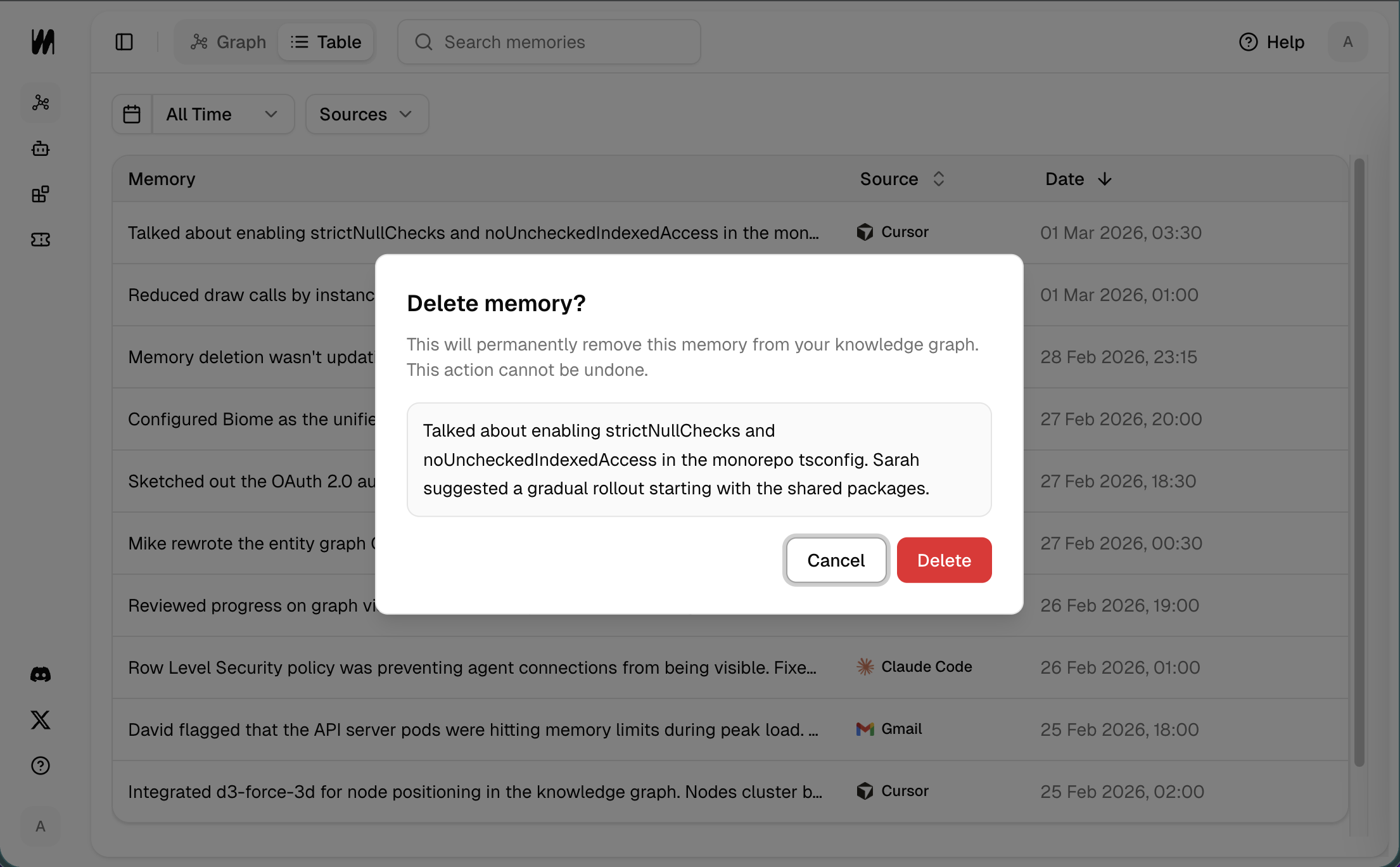
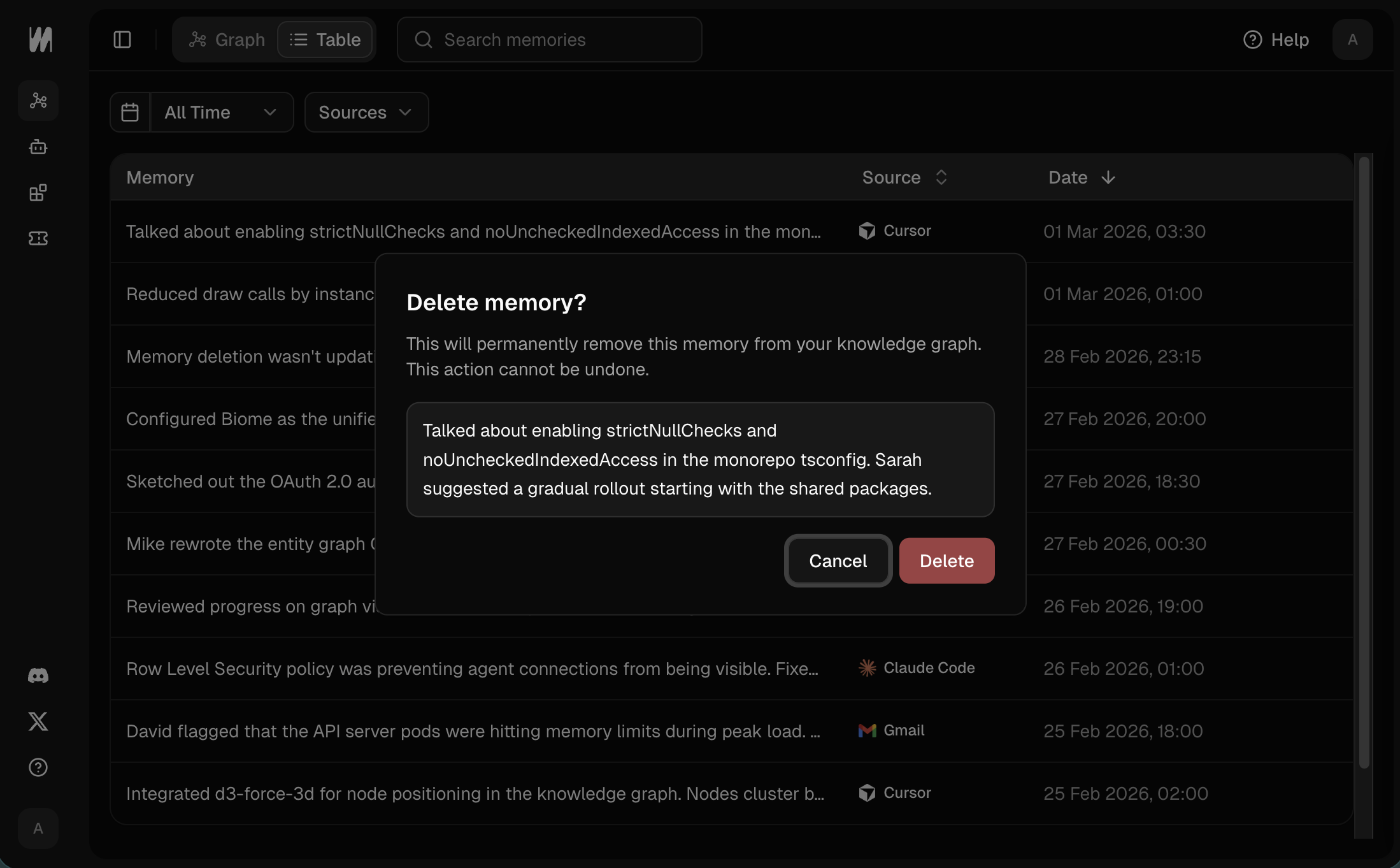
Delete individual memories from the table view in the dashboard.- Switch to table view.
- Click the Delete Icon next to the memory you want to remove.
- Click Delete and confirm.
Delete all memories from a source
To remove all memories from a specific integration (e.g., all Slack memories), go to the Sources page in the dashboard and disconnect the integration. This will remove all memories associated with that source.Next Steps
Dashboard
Explore the graph and table views.
Membase MCP
Learn about the MCP tools for programmatic memory access.