

How to Start
Watch a quick walkthrough to see the full setup in action.3-Step Guide
Follow these steps to connect your first AI agent to Membase.Step 1: Create Your Account
Go to app.membase.so and create your account.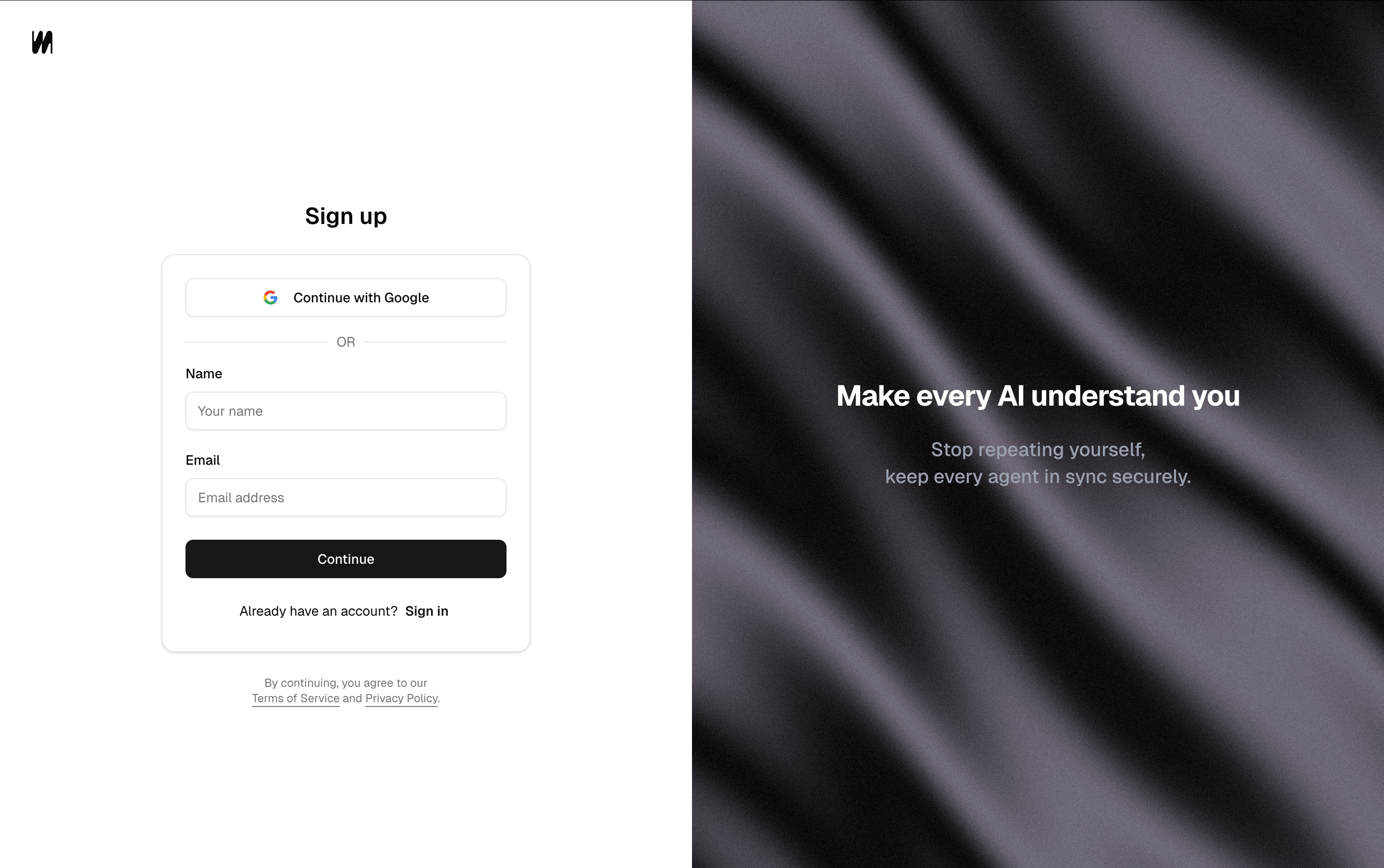
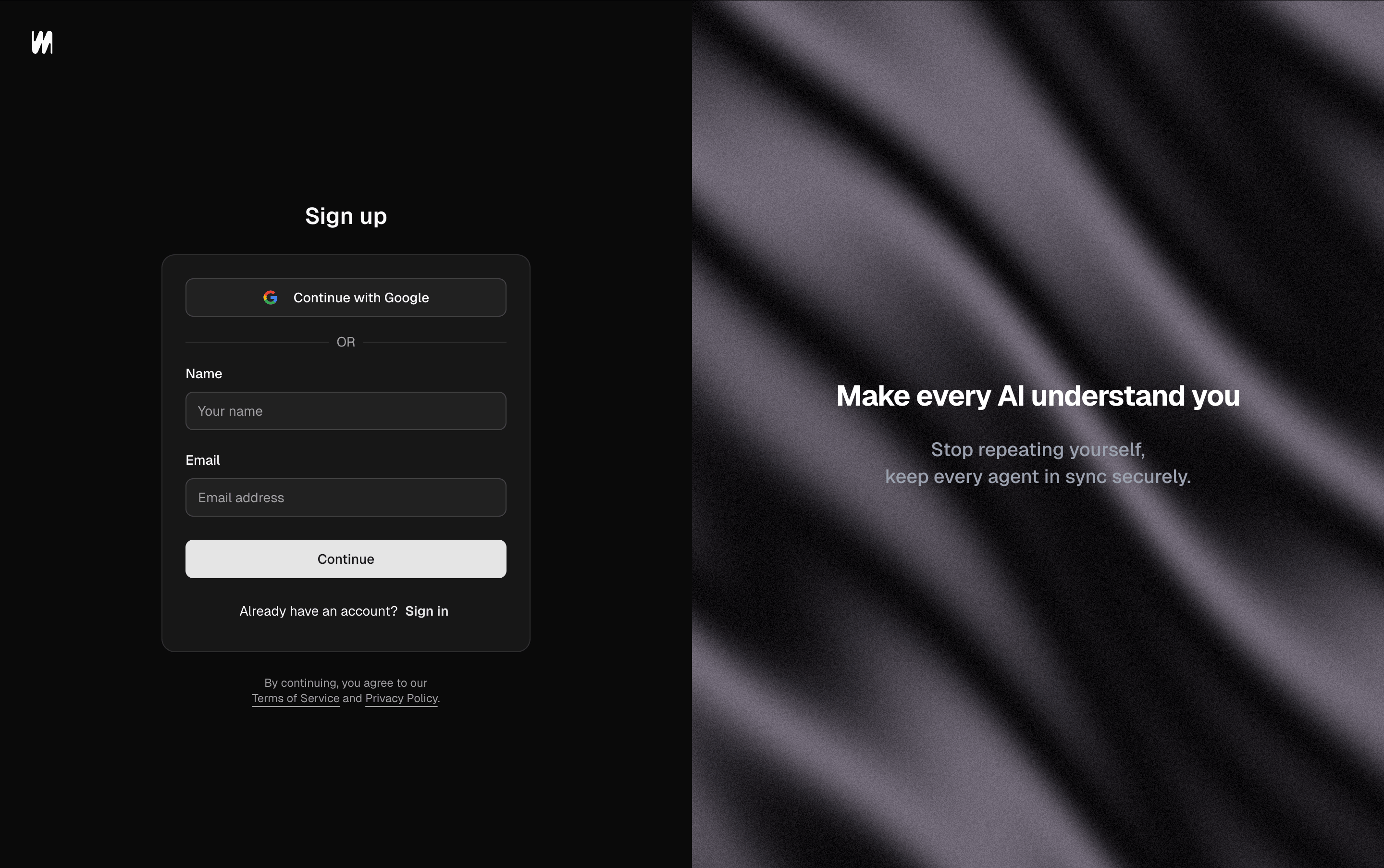
Sign up for Membase
Step 2: Connect Your Agent
From the dashboard, go to the Agents tab and click + Add Agent, then pick your client.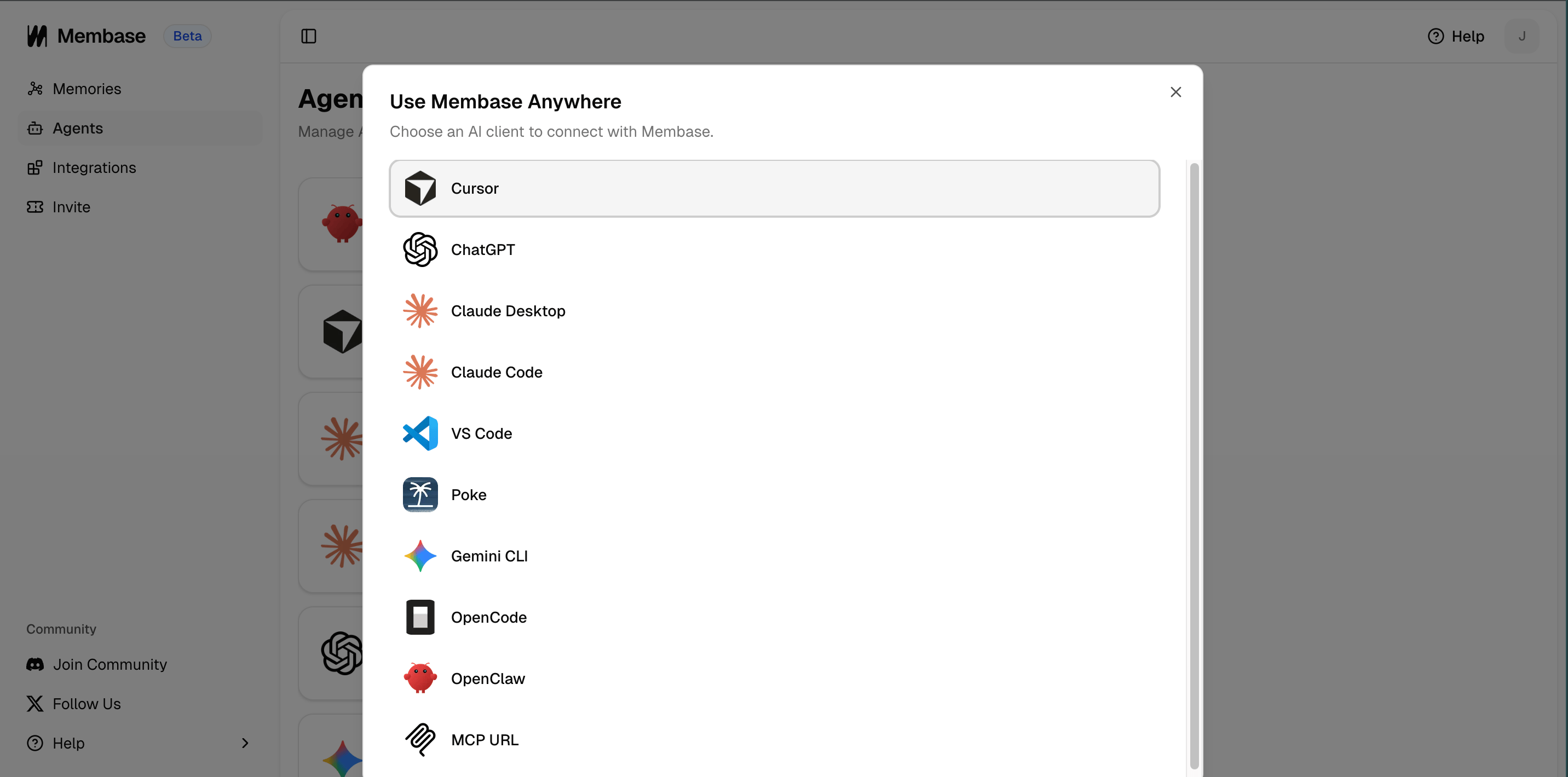
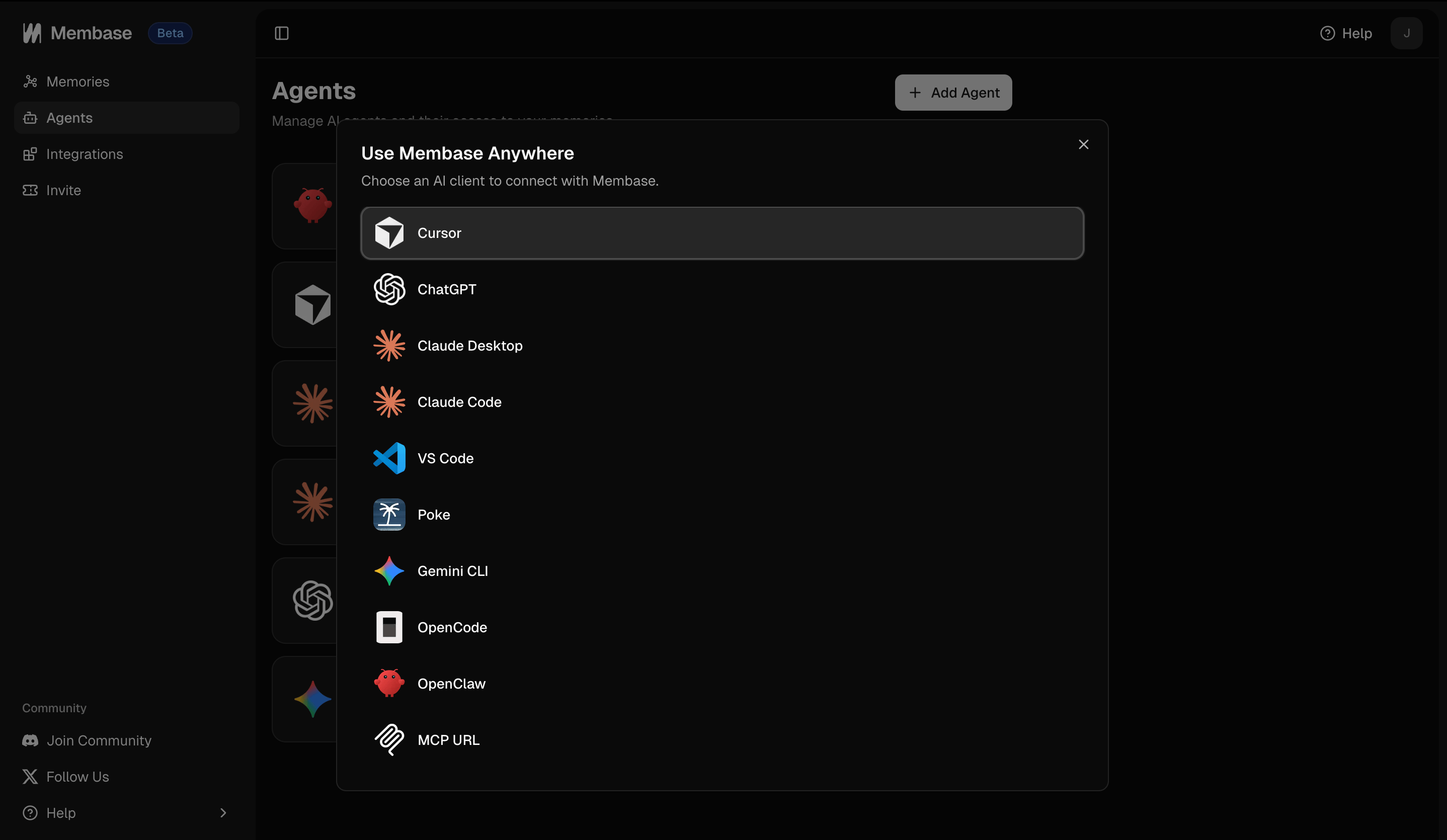
Choose an AI client to connect
- Cursor
- ChatGPT
- Claude
- Claude Code
- Codex
- VS Code
- Poke
- Gemini CLI
- OpenCode
- OpenClaw
- Hermes
- MCP URL
Click “Add to Cursor” in the dashboard. Cursor installs Membase automatically.
Step 3: Start Using Memory
Once connected, your agent can read from and write to Membase. There are two core operations: saving memory and retrieving it.Saving memory (add_memory)
Tell your agent something worth remembering. Your agent calls add_memory to store it in Membase.
Your prompt
add_memory
Retrieving memory (search_memory)
Next time you (or any connected agent) need context, your agent calls search_memory to pull relevant memories.
Your prompt
search_memory → results
You’re all set! Your agent now has persistent memory powered by Membase. Memories are automatically created, updated, and shared as you interact.
Next Steps
Bring Your Context
Import chat history, connect Gmail, Calendar, and Slack.
Use Your Context
Chat with Memory, agent retrieval, and dashboard exploration.
Knowledge Wiki
Store factual knowledge and import Notion, Obsidian, or Markdown files.
All Agents
Full setup guides for all supported clients.